ERP, CRM and E-Commerce Integration: End Data Silos
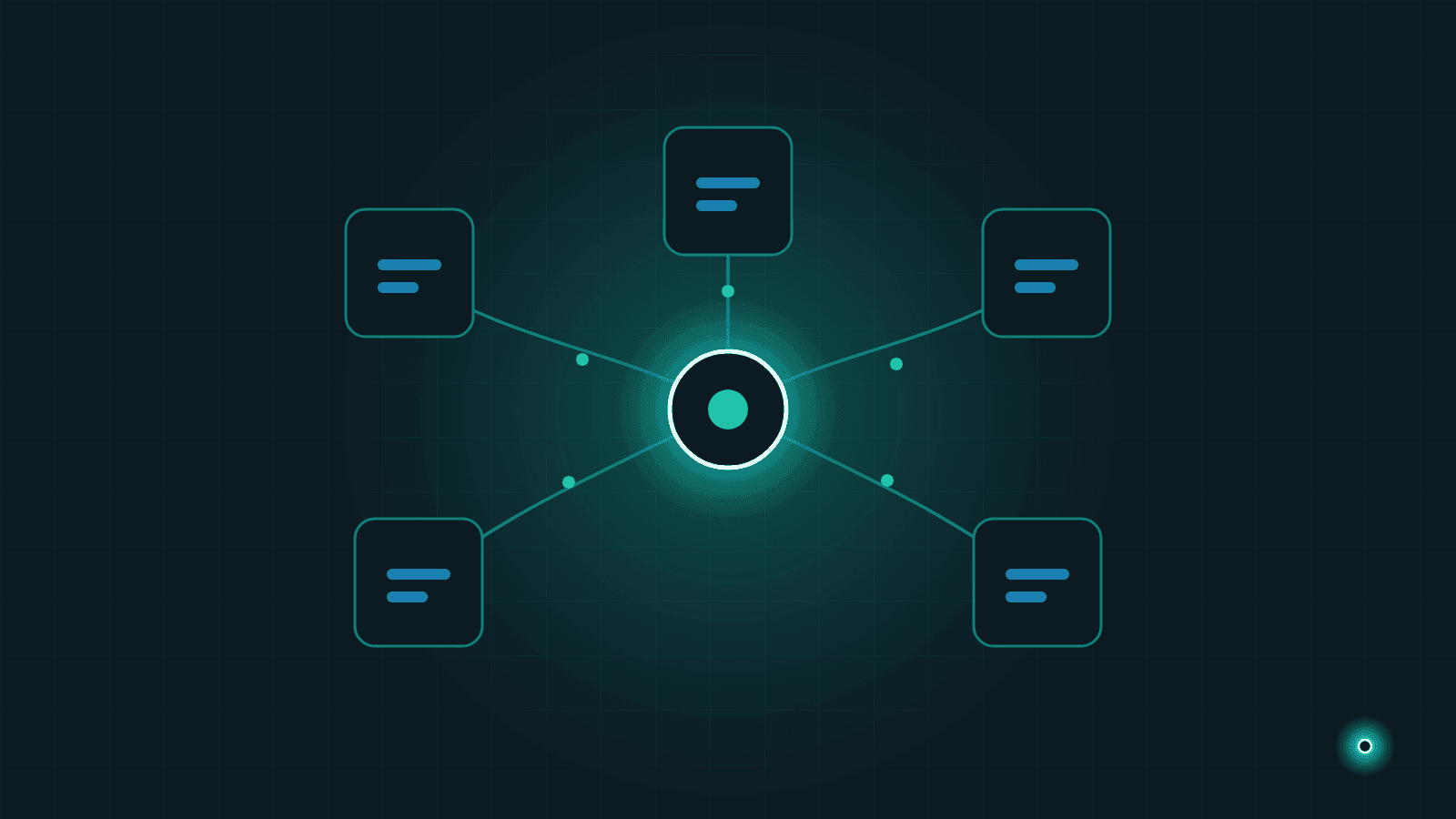
An order lands in your online store, but someone still has to type it into the accounting system by hand. Your sales team can't be sure the customer details in the CRM are current, because the same customer sits in the ERP with different information. At month end, three systems produce three reports that don't match. If this sounds familiar, the problem isn't your people — it's that your systems don't talk to each other.
As companies grow, they add software one need at a time: an ERP or accounting package first, then an online store, then a CRM to track the sales pipeline. Each tool does its own job well enough; the trouble is that nothing connects them. System integration is the practice of building those connections, so data is entered once and flows automatically to every place it's needed.
In this guide we cover the everyday symptoms of disconnected data, the concrete benefits of integration, the scenarios we see most often in small and mid-sized businesses, and how a typical integration project unfolds step by step.
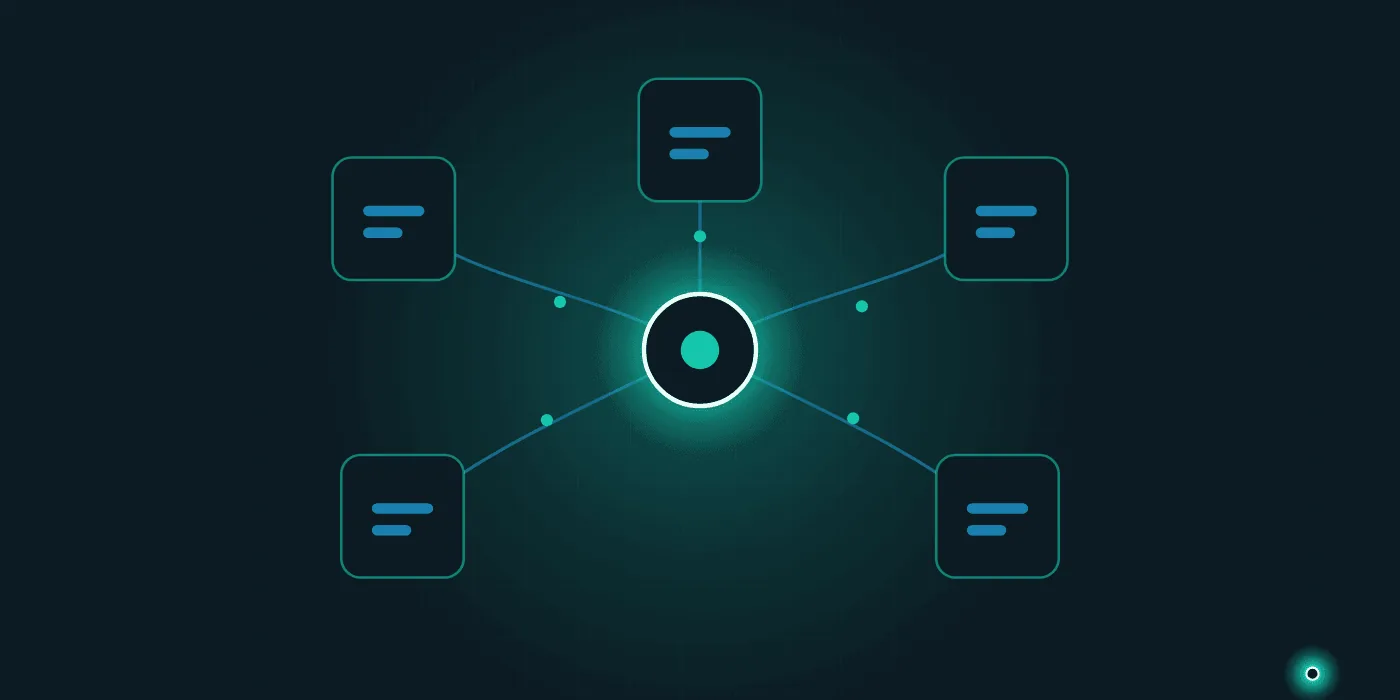
What disconnected data looks like in daily work
Data silos are not an abstract IT concept; they turn into concrete chores that eat working hours every single day. If a few of these sound familiar, your systems are disconnected:
- Manual data transfer: Exporting from one system into a spreadsheet and typing the same data into another. Orders, invoices, customer records — wherever there is copy-paste, there is a gap.
- Duplicate records: The same customer maintained separately in the CRM and the ERP, usually with conflicting details.
- Inconsistent stock: A product shown as "in stock" online that isn't in the warehouse — or the reverse, sellable stock sitting idle because the website was never updated.
- Delayed information: Morning orders reaching accounting in the afternoon; shipping updates reaching customers days late.
- "Which number is right?" debates: The same question — say, this month's revenue — returning a different answer from every system.
The common cost of all these symptoms is time. The bigger danger is that every manual transfer is a chance for error, and a single mistyped stock quantity can mean selling a product you no longer have.
What integration actually delivers
The promise of integration is simple: data is entered once and flows everywhere, correctly. In practice, that translates into the following.
Hours of data entry come back. An employee who used to retype orders can spend that time on customers instead. It is one of the clearest examples of the "hand repetitive work to the machine" principle we describe in where to start with automation.
Error rates drop. Data that no human hand touches carries no typos, skipped rows or miscopied amounts.
Stock stays consistent across channels. The real warehouse situation is reflected on your website and marketplaces instantly, which means fewer "sorry, out of stock" cancellations and disappointed customers.
Reports become trustworthy. When every system feeds from the same data, management reports stop being a matter of debate. This is also the foundation of any business intelligence effort: you cannot build reliable reporting on disconnected data.
Typical integration scenarios
E-commerce ↔ inventory and ERP
The most common scenario by far. An order placed on the website flows into the ERP automatically: the invoice is issued, stock is reduced, and shipping is triggered. In the other direction, stock and price information in the ERP is reflected on the site immediately — so there are never two competing versions of the truth.
CRM ↔ accounting/ERP
When the sales team marks a deal as won in the CRM, the customer account and the order are created in the ERP automatically. Payment status flows back to the CRM, so a salesperson can see an open balance before picking up the phone.
Marketplace integrations
If you sell on several marketplaces, managing each channel from its own panel quickly becomes unsustainable. Collecting marketplace orders in one place and distributing stock to every channel from a single source brings both speed and consistency.
All of these scenarios share one precondition: data kept in a structured, orderly form. If your operation still runs on spreadsheets, consider the move we describe in moving beyond Excel spreadsheets first — integration is built on top of well-organized data.
The stages of an integration project
A sound system integration project follows a predictable path:
- Discovery and analysis. Which systems exist, which data needs to flow where, and how often? This stage means talking to process owners and mapping the data flows.
- Technical review. How does each system open up to the outside world — API, file exchange, database access? Not every product offers the same flexibility, and the method is chosen accordingly.
- Data mapping design. How does "customer code" in one system match "account" in the other? Field-by-field correspondences are defined and agreed.
- Development in a test environment. The integration is built and exercised against realistic sample data before it touches anything live.
- Pilot run. Go live with a limited scope — a single product group or one channel — and watch the results closely.
- Full rollout and monitoring. The scope expands, and the integration keeps being monitored through error alerts, logs and periodic checks.
What to watch out for
Take data mapping seriously
Two systems modelling the same concept differently is where integrations stumble most often. One requires a tax number, the other doesn't even have the field; one treats product variants as separate records, the other as a single card. If these differences aren't put on the table at the start, resolving them later is far more expensive.
Design error handling from day one
What separates a good integration from a mediocre one is not how it behaves when everything works, but what it does when something goes wrong.
What happens if the other system doesn't respond? Does an untransferred order get lost, queued, or flagged to a person? An integration should not go live until those answers are written down.
One-way or two-way?
Not every piece of data needs to flow in both directions. Stock usually flows one way, from the ERP to the website; orders flow the other way, from the website into the ERP. Two-way sync sounds appealing but multiplies the risk of conflicts: if the same record changes on both sides at once, which side wins? When you don't genuinely need it, a one-way flow is always the more robust choice.
How to prepare before you start
When you sit down to plan an integration project, have the following ready:
- A system inventory: every application you use, its version, and who supports it.
- Your data flow needs: a rough answer to "which information should travel from where to where, and how often?"
- A single-source-of-truth decision: for each data type — customers, products, stock, prices — which system is the master.
- Clean data: duplicate customer records and obsolete product cards should be weeded out first; if you automate a mess, you automate its errors too.
- A process owner: one person on your side who owns the business questions and can make decisions.
This preparation directly shapes the project's timeline and cost. A team that knows its systems and knows what it wants can see an ERP integration bear fruit within weeks.
One of the best moments to think about integration is the e-ledger transition: if the transfer between operational and statutory accounting is being reworked anyway, discussing both at once is the cheapest path. The detail is in the e-ledger transition guide.
At Lumethis, our system integration services connect ERP, CRM, e-commerce and marketplace systems into a single reliable flow — you can browse similar work on our projects page. If you'd like to talk through what this would look like for your systems, reach out via our contact page — let's shine a light on the complexity together.
Need help with this topic?
Contact Us