Excel vs Database: When and How to Make the Switch
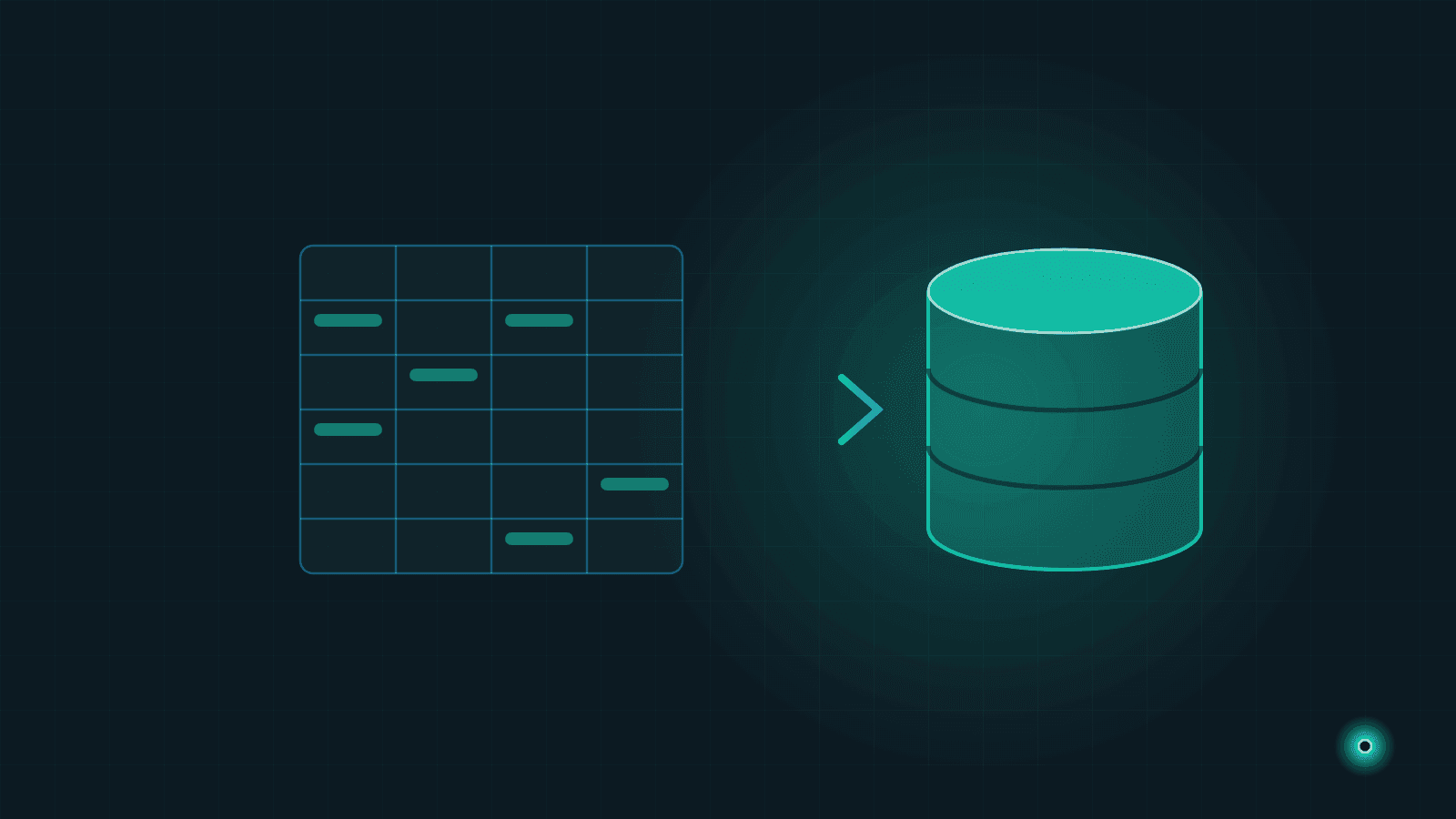
Excel is the first "data system" for most small and mid-sized businesses. Inventory tracking, customer accounts, quote lists, staff schedules — it all starts in a single spreadsheet and works well for a long time. That is natural and nothing to be ashamed of. Excel is fast, almost everyone knows it, and you do not need anyone's permission to open a new file.
But one day the file freezes when you open it, two people typing at once overwrite each other's data, or a formula quietly breaks and your report shows the wrong number. That is the moment to ask honestly: has the time come to replace Excel with a database? This article gives a practical, honest answer to that question.
Our goal is not to bash Excel. Quite the opposite — we want to show where it shines, where it hits a wall, and how to make a calm transition when the right time arrives.
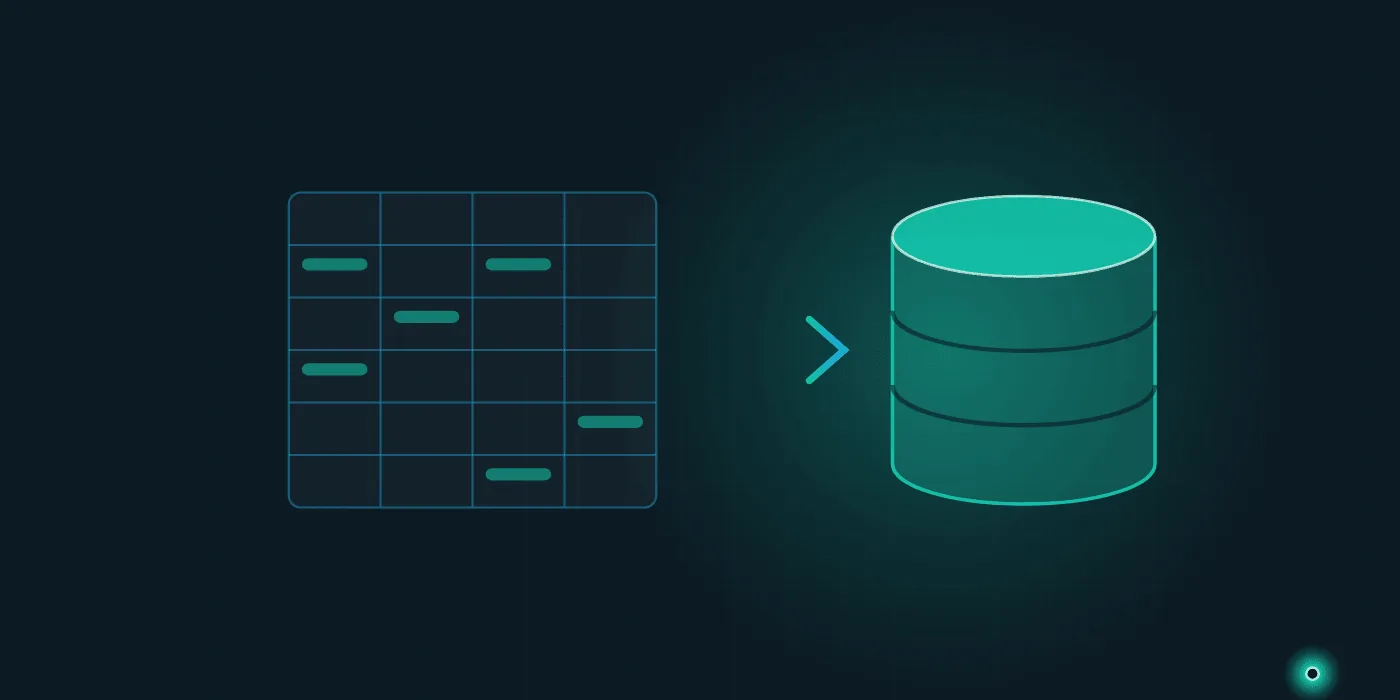
The Power and Limits of Excel: An Honest View
Excel is a brilliant tool, and that deserves to be stated clearly. For quickly testing an idea, running a small calculation, or producing a one-off analysis, nothing is more practical. Zero setup, zero waiting.
Where Excel genuinely excels:
- Fast, flexible prototyping — you build the table in your head within minutes.
- Personal calculations — budgets, scenario analysis, "what if" experiments.
- Single-user, one-off tasks — like pulling a summary together for a meeting.
- Visualization — a chart and a quick perspective in a few clicks.
The problem is not that Excel is bad; it appears when you start using it outside its design, like a "database." Excel is a spreadsheet, not a multi-user data system. A file that grows for months, gets touched by dozens of people, and becomes the lifeblood of the business is being asked to carry a load it was never designed for.
Do not blame Excel; notice that you have put it under a load beyond its real job. A hammer is a wonderful tool, but if you try to drive a screw with it, the fault is not the hammer's.
Signs That "It Is Time to Move"
So how do you know the time for a switch has come? If you are experiencing several of the symptoms below at once, your file has already outgrown its capacity:
- Five different copies of the same file are floating around — "inventory_final.xlsx", "inventory_final_v2.xlsx", "inventory_REAL_final.xlsx"... and nobody knows which one is correct.
- The file freezes or hangs when opening — thousands of rows and heavy formulas strain the computer.
- Formulas break silently — someone adds a row or deletes a cell, and the report's total comes out wrong without anyone noticing.
- Multiple people cannot work at the same time — "can you close the file, I need to enter something" is repeated ten times a day.
- Data-entry errors go uncaught — text instead of a date, negative stock, the wrong customer code... with no checks in place.
- There is no history — the question "who changed this, and when?" has no answer.
Individually, these signals are manageable. But when three or four occur together, the time you waste and the hidden errors you make have already exceeded the cost of a migration project.
What Do You Gain by Moving to a Database or Web Application?
When we say replace Excel with a database or a data-driven web application, we really mean taking your data out of a file and moving it into a central, controlled system. The benefits are concrete:
A single source of truth
Everyone looks at the same, current data. The "which file is right?" question disappears. Data lives in one place; the copy chaos ends.
Many users at once
Ten people can work simultaneously without overwriting each other. The system records who changed what.
Data integrity and rules
The system rejects bad data upfront: you cannot type text into a date field, a required field cannot be left blank, stock cannot go negative. Errors are prevented before they happen.
Automatic reporting
You do not copy-paste by hand for reports. The summaries, filters, and charts you need are always current and ready in one click. We cover this in more depth in our article on what business intelligence is.
Infrastructure ready to grow
As data grows, the system does not slow down. When a new need arises (mobile access, e-invoice integration, a new branch), you have a solid foundation to build on.
A Gradual Migration Strategy: No Panic
The biggest misconception is thinking of migration as "changing everything overnight." The right approach is calm and incremental:
- Pick the single most painful process. Do not move everything at once. Identify the one file, the one task, that wears you out the most — usually inventory or account tracking.
- Understand the existing Excel as it is. What fields exist, what rules apply, who enters what? You cannot build the new one without mapping the current setup.
- Build a small pilot system. Create a simple application for that one process only. Aim for a working first version, not a perfect one.
- Test with real data. For a few weeks, run both Excel and the new system in parallel. Compare results and build trust.
- Train the team and complete the switch. Once people feel comfortable, archive the old file and make the new system the single source.
- Move on to the next process. Once the first process settles, migrate the second most painful task with the same method.
This gradual path lets you progress without halting the business or overwhelming the team. You can see how our custom software and process automation services work on our services page, and review similar transitions on our projects page.
Do Not Throw Excel in the Trash
Do not delete Excel just because you have migrated. Excel is still a valuable tool; only its role changes. It is no longer the "live data system" but the "flexible analysis desk."
The right role for Excel after migration:
- Ad-hoc analysis — pulling data from the system and freely tinkering, trying scenarios.
- One-off calculations — a quick budget draft, a quote comparison.
- Personal workspace — temporary calculations shared with no one.
In other words, the database becomes the permanent home of your data, and Excel becomes the workbench where you play with that data. The two complement each other. Set this distinction up correctly and each tool does what it does best.
Common Mistakes in Migration Projects
Here are the pitfalls we have seen again and again across dozens of migrations:
- Trying to move everything at once. This is the fastest path to failure. Start with a single process.
- Copying the chaos from Excel verbatim. Migration is an opportunity to fix a messy structure, not to carry it into the new system.
- Not involving the users. If you do not listen to the people who will use the system, you build an application no one adopts.
- Skipping training and the adjustment period. No matter how good the new system is, the switch is not complete until the team feels comfortable.
- Ignoring data cleanup. If you move dirty data into the new system, you simply get faster chaos.
- Leaving backups and security for later. Having data in one central place makes it mandatory that this center is secure and backed up.
Most of these mistakes are not technical but about planning. Progressing in the right order is as critical as choosing the right infrastructure. If you want a broader view, our custom software vs. off-the-shelf article can help with your decision process.
Moving from Excel to a database is not a revolution to fear; it is a calm step taken at the right time. If your files have started wearing you down, if copies have multiplied and your trust in reports has faded, the time has probably come. If you would like to talk through where to start, write to us via the contact page; let's map out a step-by-step migration plan that moves forward without stopping your business.
Need help with this topic?
Contact Us