Business Continuity and Disaster Recovery: A Practical Guide for SMEs

A simple question: if your server died tonight, could you open for business tomorrow morning?
In most companies the answer is "probably". That word is the clearest sign that no continuity plan exists.
This article describes how to build a plan that needs no large budget, fits on a few pages, and actually works.
What are we preparing for?
The word "disaster" suggests earthquakes and fires, yet most events that stop a business are far more ordinary:
- A server or disk failure
- An extended power or internet outage
- Ransomware and other security incidents
- A table deleted by accident, a file overwritten
- An outage at your cloud provider or a supplier
- A key person suddenly being unreachable
That last one is usually left out of plans, and it is among the most common. If only one person has access to a system, the system is down whenever their phone is off.
List your critical processes
A plan starts with the business, not the technology. Ask: which activities stopping means the money stops?
Typically: taking orders, invoicing, production planning, shipping, collections, answering customers. Alongside them sit activities that are annoying but survivable: reporting, archive access, internal dashboards.
Any plan that skips this distinction ends up more expensive than it needs to be. You do not have to bring every system back at the same speed.
To see the cash side of it, cash flow management and collections is a good companion: the bill for a few days of downtime usually arrives not as a technical cost but as delayed collections.
Two numbers: RTO and RPO
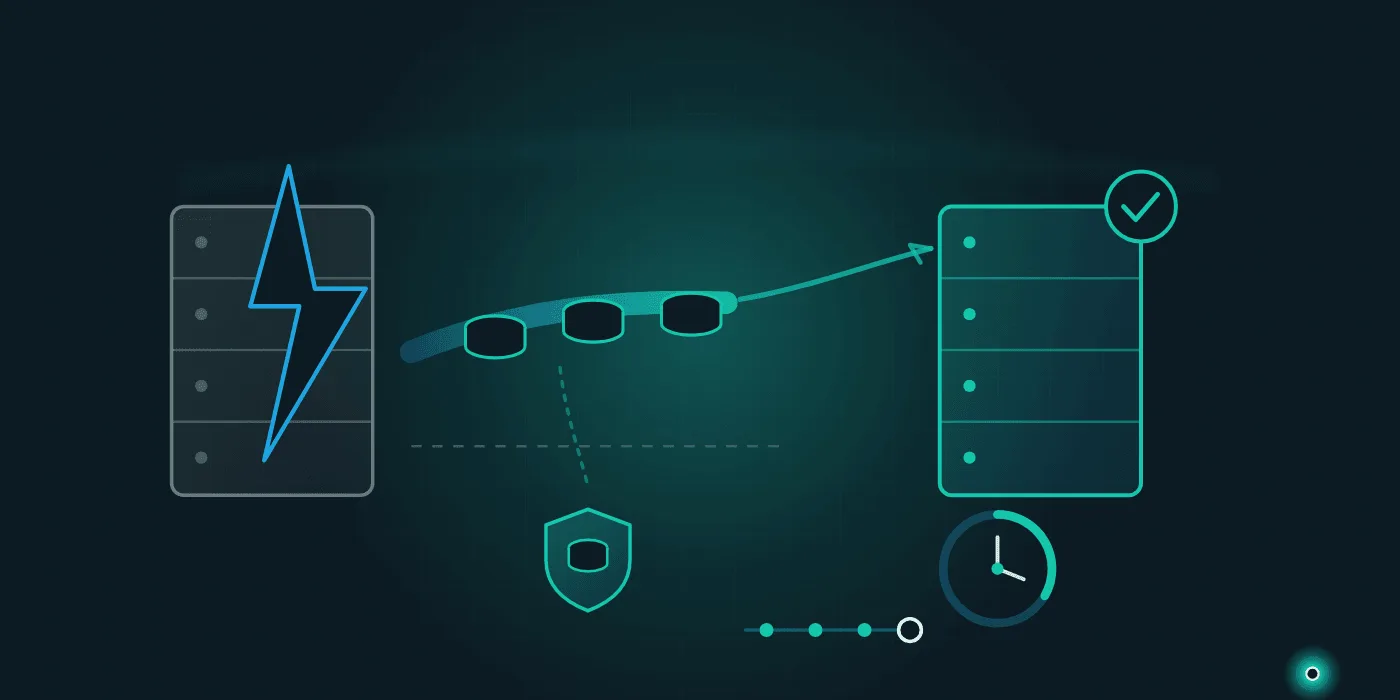
The entire plan rests on two numbers. No technical decision can be made before setting them.
RTO (recovery time objective): how quickly must this system be working again? Four hours, a day, three days?
RPO (recovery point objective): how much data can you afford to lose? If you back up once a day, your RPO is effectively 24 hours — in the worst case you re-enter a day of orders.
Answer both questions separately for each critical process. The answers will differ: the order system may need an RTO of a few hours while archive reports can wait a week.
The most useful side effect of building this table: the investment discussion stops being "how much should we spend" and becomes "do we accept this downtime". That is a question people can actually decide.
Backups: the 3-2-1 rule
One simple scheme has held up for years:
- 3 copies of the data
- on 2 different types of media
- with 1 copy off-site
Its strength is that a single arrangement covers risks with nothing in common: disk failure, human error, theft, fire and ransomware.
A note on ransomware: a backup that is on the network and always writable can be encrypted along with everything else. At least one copy should have restricted access or be immutable.
And above all: a restore you have never tested means you have no backup. The number of businesses that believed they had years of clean backups until the first restore attempt is higher than you would guess. We gathered the basic habits in data security and backup.
Cloud or your own server?
From a continuity standpoint, each has its own trap.
With your own server, risk concentrates in one physical place: the power, cooling and hardware in that one room. In the cloud somebody else runs the infrastructure, but that does not mean nothing can happen; provider outages occur, and in that moment all you can do is wait.
The practical answer usually sits in between: keep one copy of critical data somewhere other than where your main system lives. We set out the decision criteria in cloud vs on-premise.
Write the plan: one page is enough
A continuity plan does not need forty pages. For most small businesses, a single document covering the following is more than sufficient:
Who calls whom. Owners, their backups and phone numbers. This list must be reachable outside the system as well — when the system is down you cannot open the list stored inside it.
Critical systems and their targets. System name, RTO, RPO, where the backup lives, how it is restored.
Where the access details are. Passwords and keys should not live in one person's head; they belong in a password manager with recovery access defined.
How to work without the system. Are orders written on paper, what do you tell customers, which work waits? This is the most frequently skipped and most useful section.
Supplier and contact list. Hosting, internet provider, software company, accountant. Knowing who to call saves the first half hour.
If an incident involves personal data, notification obligations come into play; we covered the framework in our data privacy compliance guide, and for specifics rely on the authority's own guidance and your legal adviser.
A plan is not finished until you rehearse it
The only way to know whether a plan is real is to try it. Half a day, once a year, is enough:
- Restore a single file or table from a random backup and time it.
- Assume "the main server is gone" and ask the team what they would do in the first hour.
- Check that the phone numbers on the contact list are current.
- Note what changed since last year; if a new system was added, it made it into the plan, right?
The purpose of a rehearsal is not to confirm the plan but to find what is missing. Something failing on the first attempt is normal; the real problem is learning it on the day of a genuine outage.
If you are changing systems, that is a good opportunity: a legacy system migration already involves taking a backup and testing a restore, and you can count that same step as your continuity rehearsal.
Where to start
Three steps. First, write the five processes that stop the business, with their RTO and RPO targets, on one page. Second, make sure a copy of critical data exists off-site with restricted access. Third, restore a single file from backup this week and time it — that small test tells you immediately whether your plan is real.
If you would like us to draw up your continuity plan, review your backup arrangement or design recovery scenarios for your critical systems, get in touch; you can also look through our services to see how we work.
Frequently Asked Questions
- How do you build a disaster recovery plan?
- In four steps: list the critical processes that stop the business, set for each how long you can be down (RTO) and how much data you can afford to lose (RPO), choose a backup and recovery method that meets those targets, then write the plan down and rehearse it at least once a year. An untested plan is not a plan.
- What are RTO and RPO?
- RTO (recovery time objective) is the maximum time a system may take to come back after an outage. RPO (recovery point objective) is the maximum amount of data you can afford to lose; if you back up once a day, your RPO is effectively 24 hours. These two numbers are the only realistic basis for deciding how much to invest.
- What is the 3-2-1 backup rule?
- The 3-2-1 rule says keep three copies of your data, on two different types of media, with at least one copy physically off-site. It is the most practical starting point for a small business because that one arrangement covers very different risks at once: hardware failure, human error, theft, fire and ransomware.
- Is a business continuity plan the same as disaster recovery?
- Not the same, but interlocking. Disaster recovery covers mostly the technical side: bringing systems, data and infrastructure back. Business continuity covers how the business keeps running during the outage: who calls whom, what customers are told, how orders get taken without the system. In a small business, keeping both in one document is the practical approach.
Need help with this topic?
Contact Us