Cloud or On-Premise? An Infrastructure Guide for SMEs
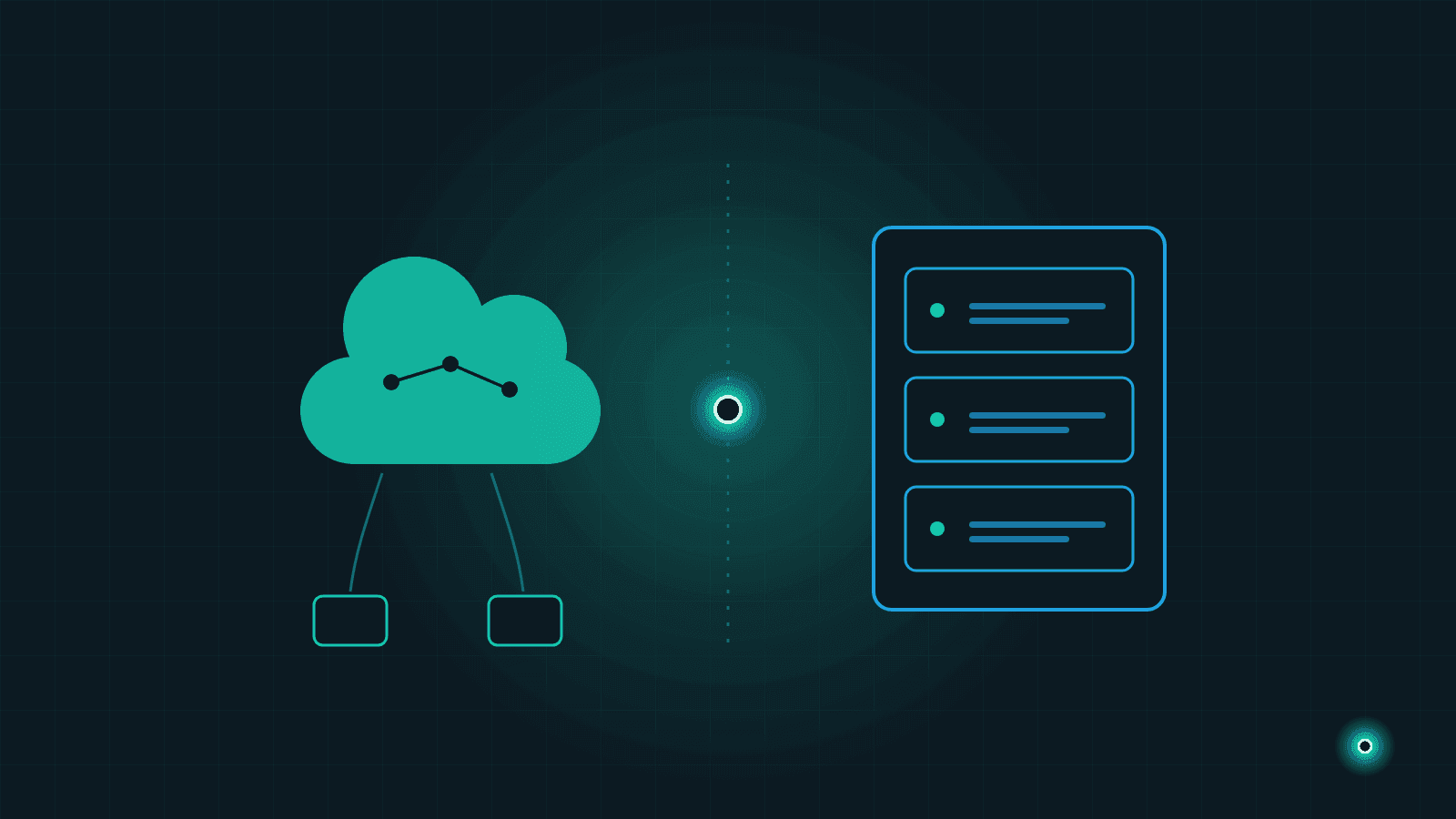
Your accounting software, customer records, orders, years of accumulated reports... These data are your company's memory, and they live somewhere. But where should they live? On a server in your office, or in a data center somewhere across the internet? Sooner or later, every SME that invests in software runs into this question.
An analogy makes the decision easier to think about: running your own server is like owning a home. The house is yours and you can do whatever you like with it — but when the roof leaks, you are the one calling (and paying) the repairman. The cloud is like renting: no big upfront payment and maintenance is not your problem, but the rules largely belong to the building management and the rent arrives every month.
In this guide we will walk through the pros and cons of both options, how their cost structures differ, who carries the security and backup responsibility, and where data regulations fit in — then apply it all to three real-world business scenarios.
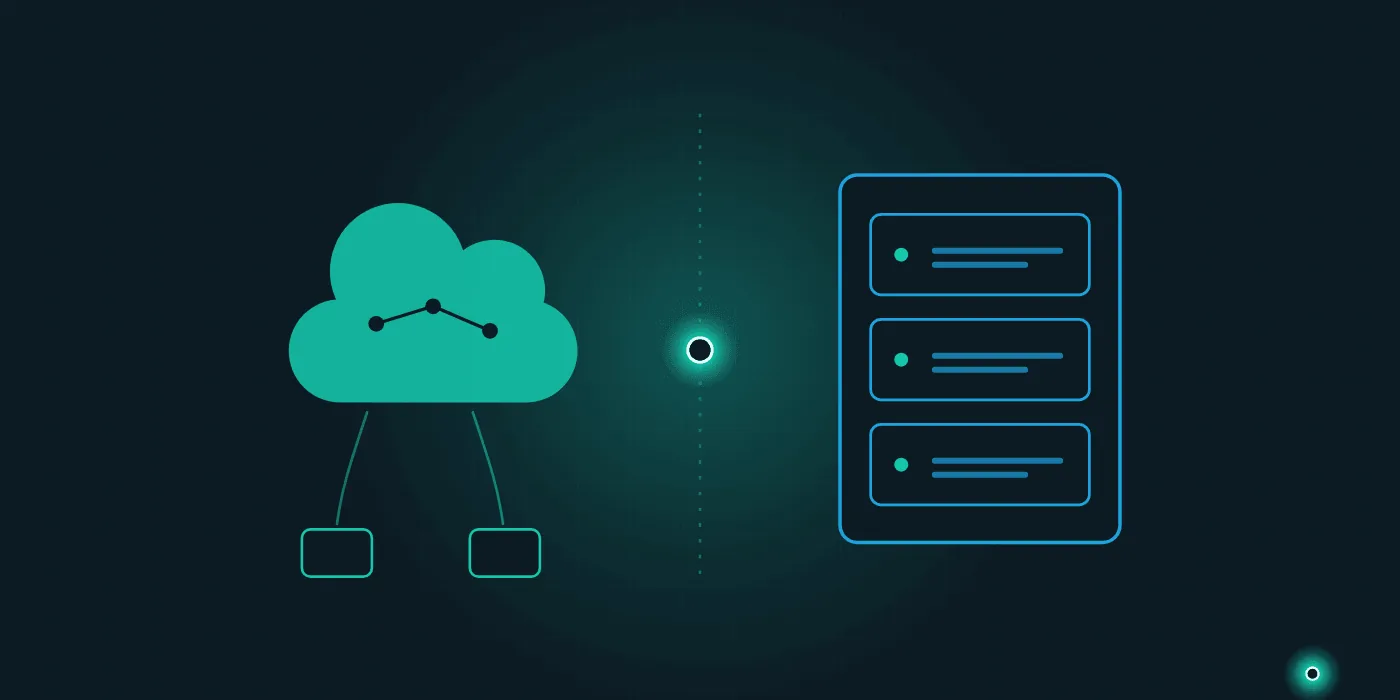
First, Let's Define the Terms
The cloud means your software and data run on computers in a provider's data center; you connect over the internet and simply use them. Two common flavors:
- SaaS (software as a service): You use an accounting or customer management tool directly in the browser; installation, updates and maintenance are entirely the provider's job.
- IaaS (infrastructure as a service): You rent virtual servers from providers such as AWS, Azure or Google Cloud, and what you install on them is up to you.
An on-premise server means the hardware sits in your own office or facility. The software runs there, the data stays there — and maintenance, security and backups are your responsibility (or that of the IT team you hire).
There is also the hybrid approach: some systems stay in-house while others run in the cloud. A factory's production software might run on site while email and file sharing live in the cloud. One more note: this decision is not independent of which software you choose in the first place — it pairs naturally with the custom software versus off-the-shelf question.
Costs: Upfront Investment or Monthly Subscription?
Back to the housing analogy. Your own server, like buying a home, demands an upfront investment: hardware, licenses, an uninterruptible power supply, installation work. And it is not free afterwards — electricity, repairs, security updates and replacing hardware that ages out every few years all require an ongoing budget and reliable IT support.
The cloud works like rent, on a subscription model: you start small, pay as you go, and the plan grows with you. The entry cost is low, but the payments never end — over the years, the total subscription spend can exceed a one-time investment.
There is no single right answer here. A fair comparison puts the total cost of ownership of both options — purchase, operations, staff and renewal included — side by side over a 3-5 year window.
The Pros and Cons, Side by Side
Advantages of the cloud:
- Low starting cost; no hardware investment
- Updates and maintenance are handled for you
- Access from anywhere — office, home, a phone in the field — ideal for remote work
- Easy scaling: when users or capacity grow, you upgrade in a few clicks
- You benefit from the physical security and infrastructure of professional data centers
Disadvantages of the cloud:
- If the internet goes down, so does your access
- Monthly payments add up and can become expensive over the long run
- Your data sits on another company's infrastructure, creating vendor dependency
- You need to track, through the contract, where your data is physically stored
Advantages of your own server:
- The data is physically with you; full control
- Systems on the local network keep working even if the internet goes down
- Predictable long-term costs, if managed well
- More freedom for custom integrations and tailored setups
Disadvantages of your own server:
- High upfront investment: hardware, licenses, installation
- Maintenance, updates and security patches are entirely on you
- Remote access (from home or the field) requires extra setup and security measures
- Hardware ages and demands a renewal investment every few years
- Physical risks — fire, theft, flooding — are yours to carry
Security, Backups and Data Residency: Who Is Responsible?
Let's start with a common myth: "The cloud is insecure; my own server is safe." Reality is not that simple. The data centers of major cloud providers are guarded far more tightly than most SME offices. But in the cloud, account security is still your job: strong passwords, two-factor authentication and careful access management — neglect these and even the safest data center cannot protect you.
On your own server, the entire responsibility is yours: firewall, patches, antivirus, physical protection and, most critically, backups. If the backup of your office server sits in that same office, it is not real insurance. We covered this in detail in our guide on data security and backups for SMEs.
Then there is the regulatory side. If you hold customer or employee data, data residency regulations (such as GDPR or Turkey's KVKK) make you legally responsible for protecting it. With the cloud, you will want the contract to state clearly in which country your data is hosted and what the provider commits to; in some industries, regulations may require data to stay within national borders. On your own server, the data stays under your roof — but all the technical safeguards are on you. In short, no option releases you from responsibility; only the shape of that responsibility changes.
Which Option Fits Which Business?
Scenario 1: A five-person services firm. Consulting or agency work; everyone is on a laptop, some days in the office, some days at home or at a client. There is no server room and no IT staff. Here the cloud is the clear winner: accounting, customer tracking and file sharing as ready-made cloud services — zero maintenance, access from anywhere.
Scenario 2: A manufacturing facility. The software running the production line cannot stop just because the internet did; systems talk to machines over the local network. The critical production software should run on site, while reporting, email and remote monitoring can live in the cloud. A classic hybrid scenario.
Scenario 3: An e-commerce business. Traffic is volatile; during campaigns, visitor numbers multiply. Your own server would have to be sized for the busiest day and would sit idle the rest of the year. The cloud's elastic scaling is a perfect fit here. And as order and inventory data grow, you will quickly hit the limits of spreadsheets — at which point our article on moving beyond Excel spreadsheets can show the way.
As you can see, the real question is not "which one is better" but "which one fits the way you work".
Your Decision Checklist and Next Step
Before deciding, answer these questions honestly:
- If the internet went down, how many hours could your business afford to stand still?
- How often does your team access systems from outside the office?
- Does your budget suit an upfront investment or a monthly payment better?
- Do you have IT support you trust for maintenance and security?
- How sensitive is the data you hold under data residency rules, and does your industry require it to stay in-country?
- How much will your users and transaction volume grow over the next 2-3 years?
- Who will own the backups, and how quickly could you recover after a disaster?
The answers usually point you in a clear direction — or toward a deliberate hybrid model.
At Lumethis, we help SMEs make these infrastructure decisions with confidence: we analyze your current setup, compare cloud, on-premise and hybrid options at your scale, and manage the installation or migration end to end. Take a look at our services and get in touch to work out your infrastructure decision together — we will map out your roadmap in the very first conversation.
Frequently Asked Questions
- Is cloud or on-premise better for an SME?
- For most SMEs, an SME-tailored cloud infrastructure wins on predictable monthly cost and on handing the maintenance burden to someone else. SME on-premise infrastructure makes sense when data must physically stay with you, when the load is high and steady, or when connectivity is unreliable.
- Does using the cloud create a data protection problem?
- Not by itself. What matters is where the data is stored, which provider it is transferred to, and what the contract guarantees. If the data leaves the country, assess that up front and take legal advice where the regulation requires it.
- Can I run a hybrid of both?
- Yes. A common pattern keeps sensitive data on your own on-premise infrastructure while compute-heavy workloads run in the cloud. The cost of that hybrid model is having to manage both environments and secure the link between them.
Need help with this topic?
Contact Us