Protecting Your Business from Phishing: A Practical Guide for SMEs
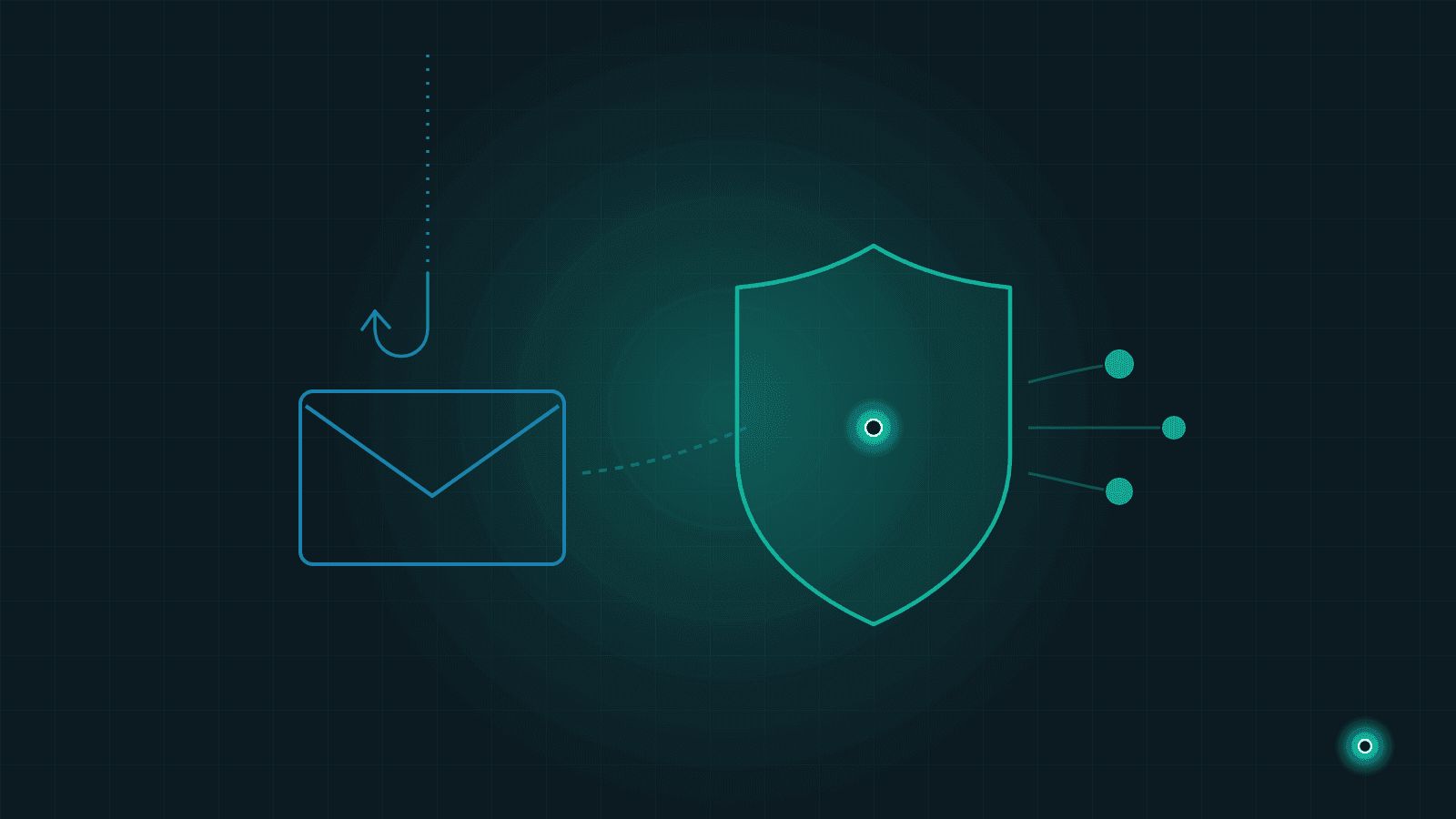
One morning an email lands in your inbox, looking exactly like it came from your bank: "Your account has been suspended — click here to verify." The logo is right, the tone is formal, the link looks real. The only problem: it is not from your bank. In this guide we walk through how phishing works, how to spot a fake message, and the simple protocols that keep your team safe.
What Is Phishing, and Why Are SMEs a Target?
Phishing is when an attacker poses as an organisation or person you trust in order to trick you into handing over information, money or access to your systems. The name comes from fishing: bait is cast, and the attacker waits to see who bites. The bait is usually an email, but it can just as easily be a text message, a phone call or a social media DM.
"We are a small company — who would bother with us?" is the most expensive assumption you can make. Attackers rarely handpick their targets; they send the same bait to thousands of addresses and see who responds. And most SMEs lack the security teams, filtering systems and written procedures that large corporations rely on. You are not less likely to be targeted — you are simply easier to catch.
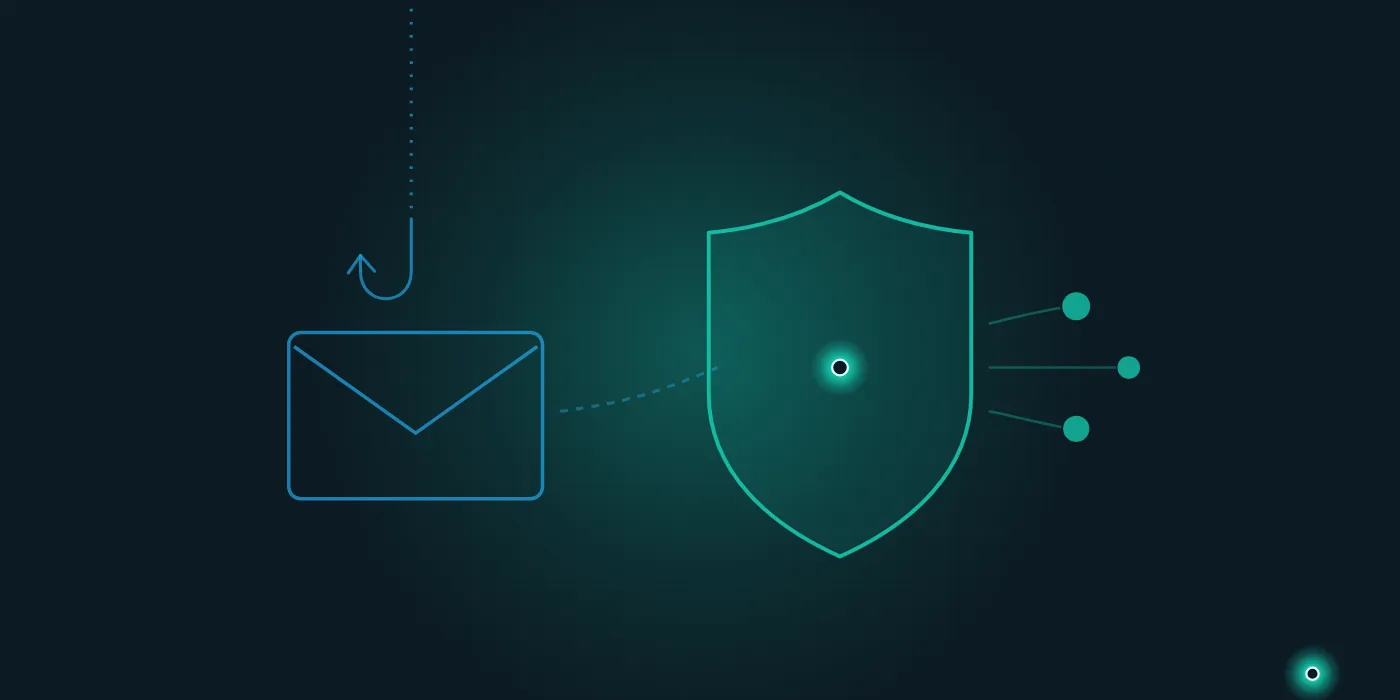
The Most Common Types of Phishing
Email is the classic channel: messages that appear to come from your bank, a courier company, the tax office or one of your suppliers, steering you toward a fake login page or a malicious attachment.
The same trick over text messages is called smishing — think "Your package could not be delivered, please update your address." Done over the phone it is called vishing: the caller introduces themselves as a bank employee, tech support or a government official. AI-powered voice cloning has made these calls far more convincing than they used to be; we covered the video side of this threat in our guide to protecting your company from deepfake fraud.
The most dangerous variant for SMEs is CEO and invoice fraud. The attacker imitates the email address of the business owner or a supplier and instructs the accounting team to "pay this invoice today to this account," or announces that "our bank details have changed." Because the message is crafted for a single recipient, it slips past generic filters — the only thing that catches it is an alert employee.
Warning Signs That Give a Fake Message Away
No single sign is definitive proof, but any one of these should make you stop and look twice:
- Urgency and pressure: Phrases like "final two hours," "your account will be closed" or "payment must be made immediately" exist to stop you from thinking. Legitimate organisations rarely write in this tone.
- Address inconsistencies: The display name may look familiar while the actual address is different. Always check the full address, not the name shown; a single swapped letter in the domain is a classic trick.
- Unexpected attachments or links: If an invoice, order confirmation or "document" arrives out of the blue, ask the sender through another channel before opening it. Hover over links to see the real destination before clicking.
- Requests to change payment details: If a supplier's bank details have "changed," that request must always — without exception — be confirmed through a second channel.
- Generic or odd language: "Dear customer" instead of your name, or sentences that read like a bad translation, are warning signs. But beware: thanks to AI, flawless phishing messages exist too. Good grammar does not mean a message is safe.
Internal Protocols: Make Verification Routine
However good your technical filters are, sooner or later a message reaches someone's screen. What matters at that moment is a handful of simple, written rules everyone knows.
The callback rule: for any call requesting payments, passwords or sensitive information, call back on the official number you already have on record — never the number the caller gives you. Telling someone "Thank you, I will call you back through my branch" is always legitimate.
Second-channel confirmation: for changed bank details, new payment instructions or unusually large transfers, reach the person who supposedly sent the request through a channel other than email — by phone or face to face — and confirm it. This applies to requests from the boss too; in fact, especially to those, because CEO fraud exploits precisely that reluctance to question authority.
An "it is okay to ask" culture: when an employee says "I would like to verify this request," they should know it is welcomed. An employee scolded for raising a doubt stays silent next time — and that silence is exactly the environment attackers count on.
Technical Measures: Small Steps, Big Difference
A few technical measures alongside these habits make an attacker's job much harder. The most effective is two-factor authentication: a second confirmation, such as a code sent to your phone, on top of your password. Even if your password is stolen, the account cannot be taken over with it alone. Start with email, banking and accounting systems, then enable it on every critical account.
A password manager ensures everyone uses strong, unique passwords — and it quietly protects you from fake sites, because it only autofills your saved password on the genuine site, never on a lookalike copy. Keeping your operating system and browser up to date closes known security holes. We covered how these measures fit together with backups and access management in our article on data security and backup for SMEs.
The final piece is limiting permissions: not every employee needs full access to every system. That way, if an account is compromised, the damage stays within that account's permissions. Shared Excel files make this separation nearly impossible; the centralised systems we describe in our guide to moving beyond Excel spreadsheets support user-level permissions, which pays off on the security side as well.
If You Clicked: The First Hour
Anyone can make a mistake; what matters is the hour that follows. If you clicked a suspicious link or entered information, change the password of the affected account first — from a clean device if possible. If you use the same password elsewhere, update those accounts too.
Then review the account's sessions and authorisations: remove unfamiliar device sessions, newly added forwarding rules (hidden rules that copy incoming email to an outside address are common) and connected apps you do not recognise. If you entered banking details, call your bank without delay.
The most important step: do not hide it. Inform the team immediately, so that if the same message reached someone else, nobody clicks. The employee who reports a mistake is part of the solution, not the problem. If customer or employee data may have been affected, review your legal obligations as well — a topic we covered in our data privacy compliance guide for SMEs.
Defence Is a Habit, Not Equipment
The strongest defence against phishing is not expensive software but a few rules everyone knows and follows: check the address, refuse to be rushed, confirm payment changes through a second channel, and speak up when in doubt. Once these habits take hold, even the most convincing bait falls flat.
At Lumethis, we help SMEs move their data and business processes onto secure, well-organised systems. If you would like to review your company's data infrastructure and access setup, get in touch — and take a look at our services to see how we can help.
Frequently Asked Questions
- What is phishing?
- Phishing is when an attacker impersonates a trusted party — a bank, a supplier or a manager — to obtain information, money or access to your systems. It most often arrives by email, but SMS (smishing) and phone calls (vishing) are common channels too. The goal is usually to get you to enter a password on a fake page or send a payment to a fraudulent account.
- How can you spot a phishing email?
- Check the full sender address, not just the display name — attackers often change a single letter in the domain. Pressure to act urgently, unexpected attachments or links, and requests to change payment details are the strongest warning signs. When in doubt, do not reply to the message; contact the organisation through the official channel you already have on record.
- How can a small business protect itself from phishing?
- Make a few simple rules routine: always confirm payment or bank detail changes through a second channel, call back on the official number you have on record, and enable two-factor authentication on all critical accounts. A culture where questioning a request and reporting a mistake is welcomed matters as much as any technical measure.
Need help with this topic?
Contact Us